Overview
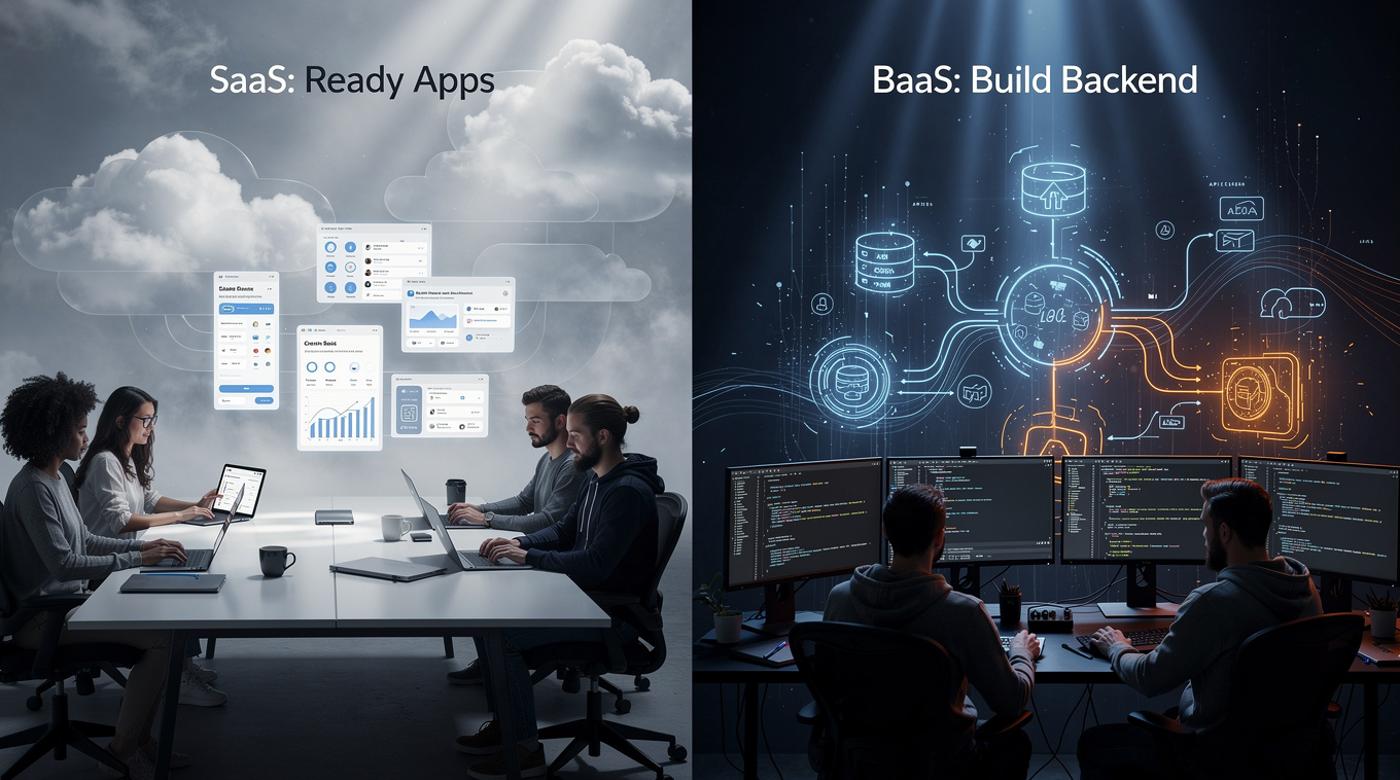
SaaS and BaaS represent two pillars of cloud computing, each tailored to distinct needs in modern development and business operations. SaaS provides fully hosted applications accessible via the internet, ideal for teams seeking immediate productivity without technical overhead netclues.com. BaaS, by contrast, equips developers with modular backend services to accelerate custom app creation.
Businesses often grapple with this choice: opt for SaaS's plug-and-play simplicity, or BaaS's flexible foundation for tailored solutions? Understanding their differences, target audience, control levels, and implementation, enables precise selection. Developers favor BaaS for its APIs handling authentication and storage, freeing focus for frontend innovation. End-users embrace SaaS for tools like CRM or collaboration suites that require zero setup ibm.com.
This guide dissects these models through comparisons, examples, and future trends. Readers gain actionable insights to align technology with goals, whether scaling startups or streamlining enterprises.
Core Definitions
SaaS (Software as a Service) delivers complete, vendor-managed applications over the internet. Users access functionality through browsers on any device, bypassing installation or maintenance. Providers handle hosting, updates, security, and scalability, embodying a subscription-based model.
Examples abound: Salesforce manages sales pipelines; Microsoft 365 enables collaboration; Gmail handles email seamlessly. This model suits non-technical users prioritizing speed and reliability.
BaaS (Backend as a Service) supplies developers with pre-built backend components like databases, user authentication, push notifications, and file storage. It acts as a scalable backbone, reducing the need for custom server management.
Unlike SaaS's end-to-end product, BaaS integrates into custom frontends, offering flexibility for web and mobile apps. Providers such as Firebase, AWS Amplify, and Back4App exemplify this approach.
Target Audience Comparison
SaaS targets end-users and businesses needing ready-made solutions. Non-developers log in and start working, think marketing teams using Dropbox for file sharing or HR adopting payroll SaaS. Its design emphasizes usability across devices with minimal training.
BaaS serves developers and technical teams building bespoke applications. It empowers frontend-focused coding by offloading backend complexities like real-time data sync or social logins. Startups prototyping MVPs particularly benefit, as BaaS cuts development time.
| Aspect | SaaS | BaaS |
|---|---|---|
| Primary Users | End-users, businesses | Developers, app builders |
| Skill Level Required | Low | High (coding) |
| Focus | Immediate use | Custom development |
This table highlights how audience drives model selection. SaaS democratizes software; BaaS accelerates innovation.
Functionality Breakdown
SaaS bundles everything into a polished application. CRM, project management, or ERP systems arrive feature-complete, with automatic updates ensuring latest capabilities. Users configure settings but rarely touch code.
BaaS disaggregates backend tasks into APIs. Core offerings include:
- User management and authentication
- Database storage and queries
- Push notifications
- File storage and media handling
Developers stitch these into their apps, enabling real-time features like chat or geolocation without building servers from scratch.
SaaS streamlines operations; BaaS fuels creativity. For instance, a SaaS tool like Slack handles messaging out-of-box, while BaaS lets coders embed similar logic into a niche social app.
Customization and Control
SaaS limits customization to vendor-approved options, templates, plugins, or admin panels. Vendors retain core control for stability and security, which suits standardized needs but frustrates unique workflows.
BaaS grants extensive flexibility. Developers code integrations, tweak logic, and scale independently, retaining full app ownership. Trade-off: more effort upfront, but superior tailoring.
Control escalates from SaaS (lowest) to BaaS (higher), mirroring cloud stacks where SaaS abstracts most, BaaS exposes backend levers. Businesses weigh convenience against bespoke power.
Implementation and Setup
SaaS shines in plug-and-play deployment. Sign up, log in, configure, done. No servers, no DevOps teams required. Automatic upgrades keep pace with features.
BaaS demands coding. Developers integrate SDKs or APIs into frontends, test connections, then deploy. Tools like Firebase simplify via consoles, but integration requires programming.
Setup time: SaaS minutes; BaaS days to weeks, depending on complexity. Yet BaaS yields faster overall builds by skipping backend boilerplate.
Step-by-Step BaaS Integration Example (Firebase)
- Create a project in Firebase console.
- Add web/mobile app, download config file.
- Install SDK:
npm install firebase. - Initialize in code:
import { initializeApp } from 'firebase/app';
const firebaseConfig = { /* your config */ };
const app = initializeApp(firebaseConfig);
- Implement auth/storage as needed.
This process empowers rapid prototyping.
Popular Examples
SaaS Leaders:
- Salesforce: CRM powerhouse.
- Microsoft 365: Productivity suite.
- Dropbox/Gmail: Storage and email.
BaaS Providers:
- Firebase (Google): Real-time DB, auth.
- AWS Amplify: Full backend orchestration.
- Back4App: Parse-based, open-source friendly.
Parse, once dominant, underscores BaaS evolution, acquired by Facebook, now open-source alternatives thrive assist-software.net.
Pros and Cons
SaaS Advantages: Low entry barrier, predictable costs, vendor-managed reliability. Drawbacks: Vendor lock-in, limited tweaks.
BaaS Strengths: Cost savings on infra, scalability, customization. Cons: Steeper learning, dependency on provider APIs.
| Model | Pros | Cons |
|---|---|---|
| SaaS | Easy access, auto-updates, cross-device | Low customization, subscription fees |
| BaaS | Flexible, dev-focused, scalable | Requires coding, potential lock-in |
Balance these for hybrid strategies.
Cost and Scalability
SaaS follows pay-as-you-go subscriptions, often tiered by users/features. Predictable but accrues with growth.
BaaS charges per usage, API calls, storage, active users, aligning costs to actual demand. Startups scale without CapEx.
Both offer elasticity, but BaaS suits variable loads better, as developers fine-tune resources. Elasticity reaches thousands of machines seamlessly.
Related Cloud Models
SaaS sits atop the stack; BaaS nests under PaaS, focusing backend subsets.
- IaaS: Raw infra (AWS EC2), full control, high management.
- PaaS: App platforms (Heroku), deploys code, abstracts servers.
BaaS refines PaaS for mobile/web backends.
Future Trends
AI/ML integration enhances both: intelligent automations in SaaS, smarter APIs in BaaS. Convergence looms, hybrid platforms blending frontend ease with backend power.
Open-source BaaS rises, easing switches (unlike early Parse dependencies). Expect seamless end-to-end stacks by 2026.
Use Cases
SaaS: SMBs adopting CRM; enterprises standardizing tools.
BaaS: Mobile apps needing real-time (games, social); web startups prototyping.
Hybrids emerge: SaaS frontend with BaaS extensions.
Conclusion
SaaS delivers ready solutions for users; BaaS builds foundations for developers. Key takeaways: Match to audience (end-users vs. coders), weigh customization against ease, evaluate costs via usage.
Next steps: Audit needs, trial Salesforce for sales, Firebase for apps. Hybrid models often win, combining SaaS speed with BaaS flexibility. Align choices to drive efficiency and innovation.